Industry Guides How to turn your weekly specials into engaging F&B social posts (and tie them back to your website)?

How to turn your weekly specials into engaging F&B social posts (and tie them back to your website)?

Why "specials" aren’t that special, unless you make them a story

Table of content

Every restaurant posts weekly specials but most do it wrong.

  • A blurry photo.

  • A generic caption: “Try our weekend combo – now available!”

  • Zero link. Zero context. Zero engagement.

The result? A post that disappears into the scroll void.

But your weekly special should be more than just a dish. It’s a conversation starter, a content engine, and a conversion toolif you know how to use it.

weekly-specials-into-engaging-f&b-social-posts

Step 1: Give the dish a reason to exist

People don’t share plates. They share why it’s on the plate.

Before you post, ask:

  • Is this dish seasonal? Limited-time?

  • Was it inspired by something personal (a trip, a memory, a trend)?

  • Does it solve a craving (comfort, light & fresh, indulgent)?

  • What makes it “special” — the ingredient? the preparation? the vibe?

Example caption:

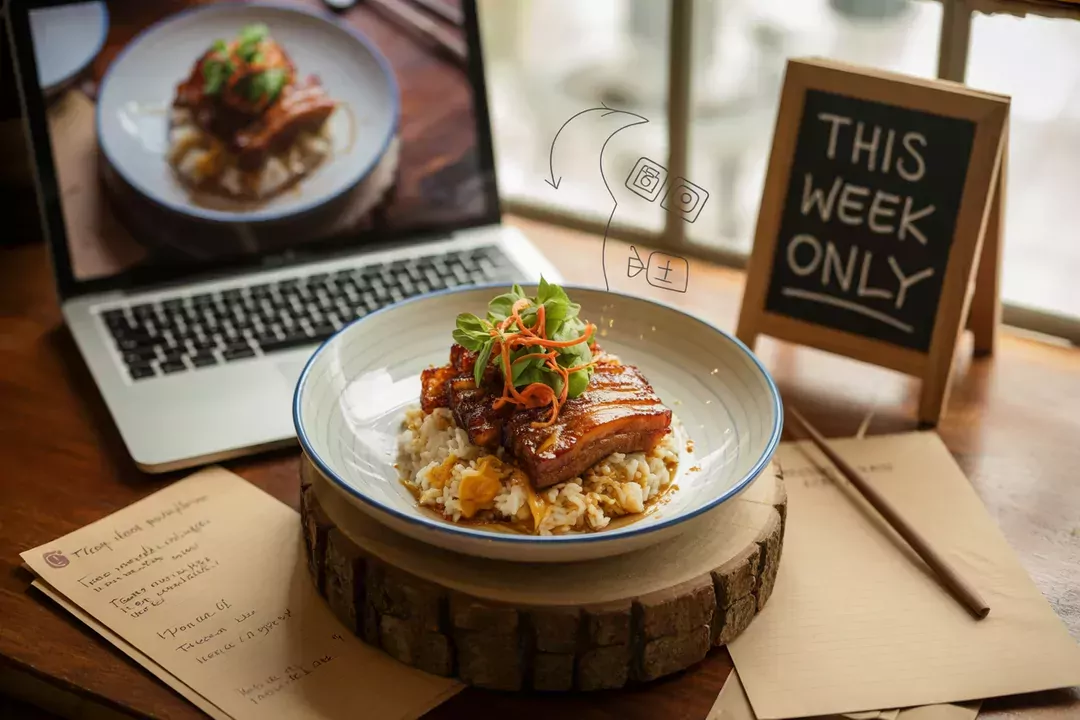
Inspired by chef Mia’s childhood in Hanoi, our new caramelized pork belly rice bowl is only here this week. Sweet, smoky, and perfect with a cold beer.

Now it’s not just food — it’s a moment. A reason to care.

Step 2: Take photos that feel like an invite, not an ad

You don’t need a DSLR. But you do need:

  • Natural lighting (near a window beats kitchen lighting 10x)

  • Real environment: show the dish as it would be served

  • Context: pair it with a drink, a hand reaching in, a table setting

  • Consistency with your feed’s style (color, mood, brand personality)

Tip: Behind-the-scenes shots work great too. People love the “making of.”

Step 3: Turn social interest into website visits (and bookings)

Here’s where most restaurants miss out:
They post the dish… but don’t close the loop.

Instead:

  • Add a call-to-action like:
    “See the full week’s lineup” → link to a Specials page
    “Order now – online reservations open” → direct to booking
    “Only 15 servings/day – pre-book to reserve yours”

  • Use link-in-bio tools like Linktree or direct CMS-integrated buttons to make that click frictionless

  • If you use Stories, highlight with a tappable “Menu This Week” or “What’s New” section

Remember: the goal is not just likes. It’s to bring them in — physically or digitally.

Bonus: Build a “Weekly Specials” hub on your website

Why?

  • It centralizes all specials, even from past weeks — great for SEO

  • It shows consistency and creativity — a reason to return

  • You can embed testimonials, reactions, or TikTok videos around that dish

  • It gives people a reason to visit your site weekly

With Nilead, you can easily set up a Specials section:

  • Scheduled content that auto-expires or rotates

  • Visual layout blocks for each dish

  • Mobile-optimized and editable without tech skills

  • Option to feature it on the homepage, pop-up, or blog section

Takeaway

Your weekly special is more than a plate, it’s a story, a brand moment, and a call to action.
Make it visual, make it emotional, and always tie it back to your digital home:
your website.

Discord chat

We're available Monday–Friday, security and critical bug fixes are available 24/7.

Facebook page

Get the latest news and updates regarding Nilead platform and services.